Dimensions
Business Value
Allows you to import new dimension values from an Excel file. You may need to do this if you have dimensions in Business Central that reference dimensions maintained in a different system. You can even use a file containing transactions as the source for updating/adding new dimensions.
Possible Scenarios
- Import new Project codes from a file that you use to create sales invoices
- Import new Project codes from a file that you use to create general journal transactions
Feature Details
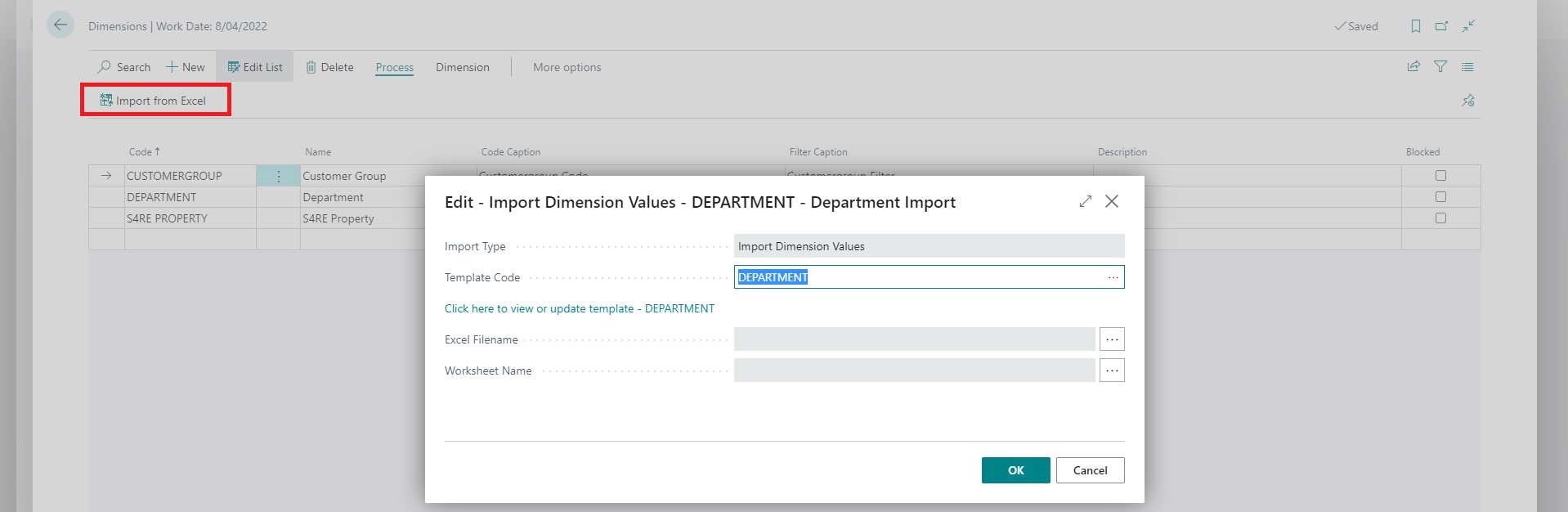
The dimension import can be accessed from the Dimensions list using the Import action.
Settings
Update Method
This is a common setting available on templates that support updating existing records. The supported options for this template are:
| Value | Description |
|---|---|
| Add | Only add new records. |
| Update/Add | Update existing records and add new records. |
| Update/Skip | Only update records that already exist; skip records that don't exist without causing an error. |